
Microsoft Copilot, including use cases related to Copilot Cowork, can help businesses save time, make better use of information and move certain tasks forward in Microsoft 365. But to create real value, companies need more than an AI tool: they need clear use cases, a governance framework and the right support.
Solulan supports organizations that want to deploy Microsoft Copilot, train their users and integrate AI into the way they work, without adding unnecessary complexity to their Microsoft 365 environment.
Want to make Copilot useful for your teams? Identify the right use cases, train the right users and structure adoption from the start.
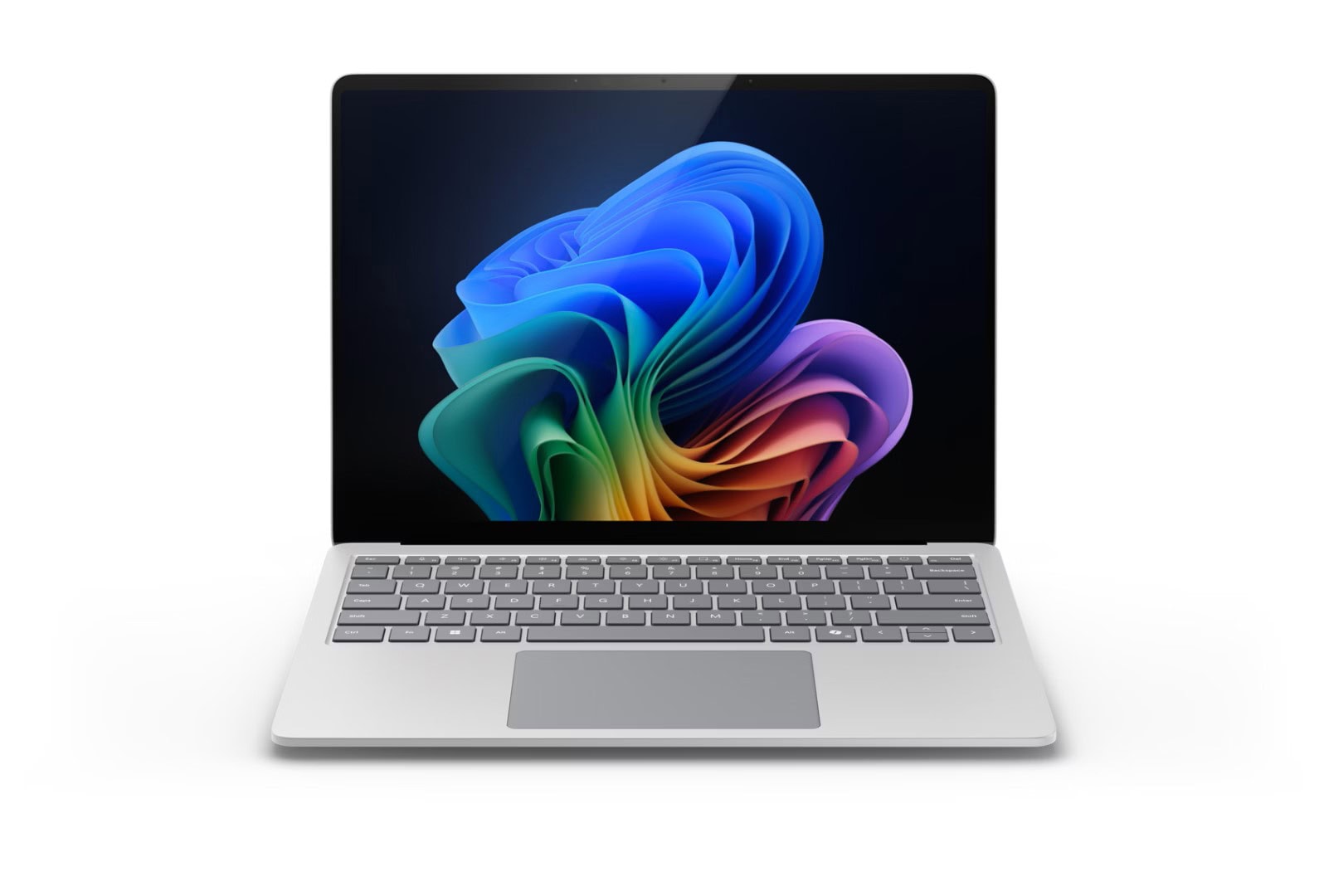
Microsoft Copilot is an AI assistant integrated into Microsoft 365. It helps teams write, summarize, analyze, organize and accelerate their work in tools they already use every day, such as Word, Excel, PowerPoint, Outlook, Teams and SharePoint. To generate real business value, however, its deployment needs to be properly managed: Copilot relies on the data and permissions already in place in your Microsoft 365 environment.
Before enabling Copilot at scale, it is essential to review access, shared content, SharePoint sites and collaboration rules to support useful, secure adoption that is better aligned with your business objectives.
The best results come from targeted use cases connected to frequent tasks that can be easily integrated into daily work. The goal is not to use AI everywhere, but to choose the right Copilot use cases based on your business needs, including scenarios where Copilot Cowork can help delegate certain tasks with human oversight.
Copilot Studio allows businesses to go beyond individual Microsoft Copilot usage. It is used to create AI agents or internal assistants that can guide users, answer certain frequently asked questions, make information easier to access or support specific processes.
The key is to choose the first scenarios carefully: simple, useful needs that are easy to manage. Solulan can help you frame your Copilot Studio projects, validate relevant use cases and structure a secure approach before multiplying AI agents.
Solulan helps businesses move from interest to real usage. Our approach is designed to make Microsoft Copilot more concrete, including Copilot Cowork use cases for delegating certain tasks and accelerating execution, with services adapted to your level of maturity.
To get the most out of Copilot and Copilot Cowork, you need to manage data, access and paid credit consumption. Solulan helps you prepare your Microsoft 365 environment and put the right foundations in place to delegate tasks to Cowork without losing control of costs.
This approach helps reduce risk, better control spending and maximize the value of tasks delegated to Cowork.
Want to delegate tasks to Cowork with more control? Solulan can help you structure the first steps.
Whether you are just starting to explore your options or are already in deployment mode, we can help you choose the right use cases, train your teams and manage the use of Microsoft Copilot, including Copilot Cowork use cases to get certain tasks done, as well as your first Copilot Studio projects.
Contact Solulan to discuss your needs for Copilot training, user support, Copilot Studio projects or Microsoft 365 governance.
Microsoft Copilot helps businesses accelerate writing, information search, content analysis, meeting preparation and communications in Microsoft 365. The real benefit comes from a well-targeted deployment: the right users, the right use cases and a clear framework to support effective adoption.
Microsoft Copilot is the AI assistant integrated into Microsoft 365 tools. Copilot Cowork is part of the Copilot ecosystem and focuses more on assisted execution: getting certain tasks done by AI, preparing deliverables or moving actions forward based on a given objective. Copilot Studio is used to create AI agents or internal assistants tailored to specific business processes.
Before enabling Copilot at scale, it is recommended to validate security, access, permissions, SharePoint sites, sharing practices and the data available in Microsoft 365. Solulan can help you assess your environment and prioritize the first steps.
Solulan offers Microsoft Copilot training, individual support, assistance with Copilot Cowork use cases, Microsoft 365 governance guidance, support to control Cowork costs and guidance to frame initial Copilot Studio projects.
Copilot training is for teams that already use Microsoft 365 and want to learn how to integrate AI into their daily work: writing, meetings, emails, information search, summaries, presentations and collaboration. It can be adapted for users, managers or targeted teams.
Copilot Cowork can help teams delegate certain tasks to AI: prepare content, structure an action, organize information or move a repetitive task forward. The goal is to move from an assistant that suggests to a tool that contributes more directly to execution, while maintaining human oversight and visibility on costs.
Copilot Studio becomes relevant when a business wants to create AI agents or internal assistants to answer frequently asked questions, guide users, automate certain steps or make information easier to access. Choosing the first scenarios carefully is important to keep the project useful, secure and easy to manage.
Microsoft Copilot respects the permissions and controls already in place in Microsoft 365. This means a user should only see content they already have access to. However, it remains essential to review access, sharing policies, sensitive data and governance before a broader deployment.
The cost depends on the scope of the engagement: Copilot training, individual support, Microsoft 365 governance, environment preparation, support for Copilot Cowork use cases, consumption control or framing a Copilot Studio project. The easiest way is to discuss your needs to define an approach adapted to your business.
The first step is to clarify your objectives: train your teams, better manage Copilot, explore Copilot Cowork use cases to get certain tasks done or launch a first Copilot Studio project. Solulan can then help you target the right use cases, assess the readiness of your Microsoft 365 environment, define governance rules and manage budgets related to Cowork.



Fill out this form and a member of our team will contact you as soon as possible.
Are you a Solulan client and need technical assistance? Please contact our support team through the dedicated support channels to ensure your request is handled as quickly as possible.
